How to Edit Items in Your Q-Sort Concourse
1. Go to the Q-Sort Concourse page
On the study sub-navigation on the left side of the interface, select Manage Concourse
To edit a text statement:
Click on the statement
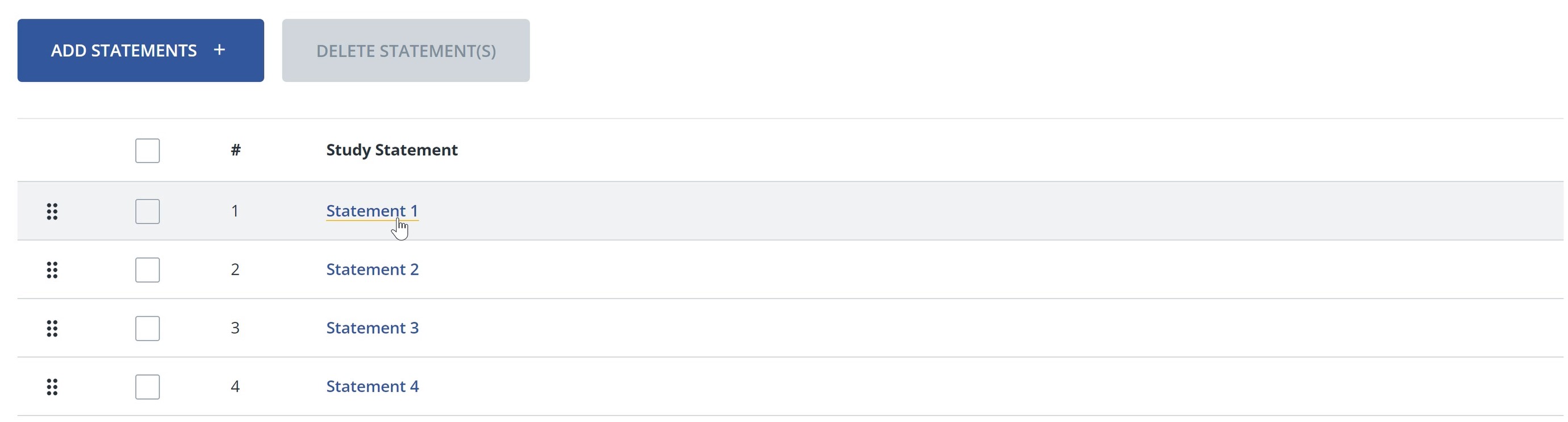
The Edit Study Statement dialog opens.

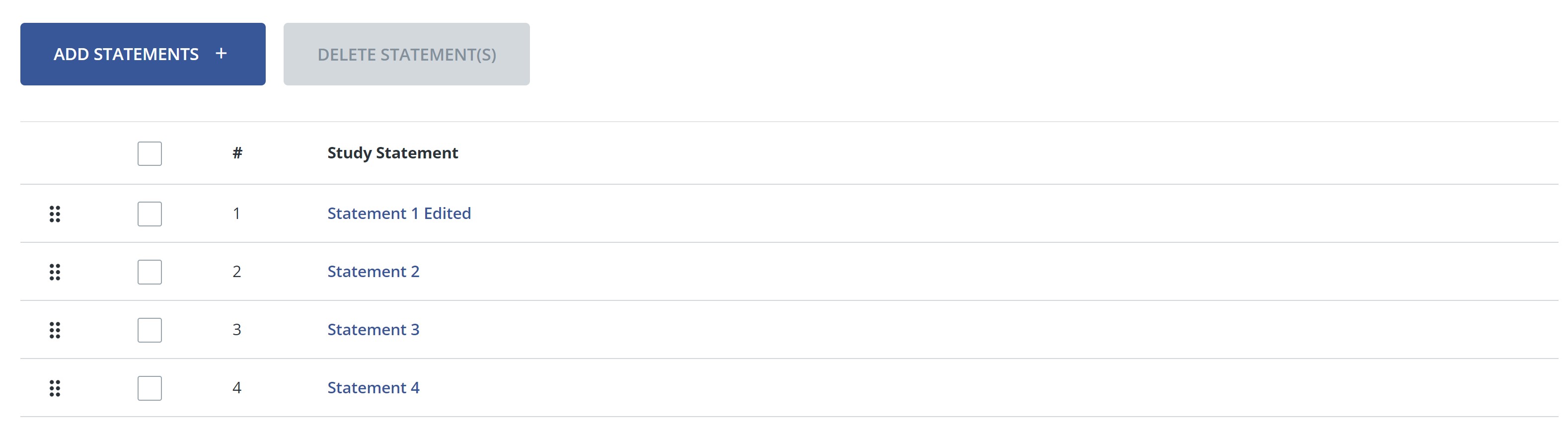
Click Submit. The revised statement appears.
2. To edit an image statement:
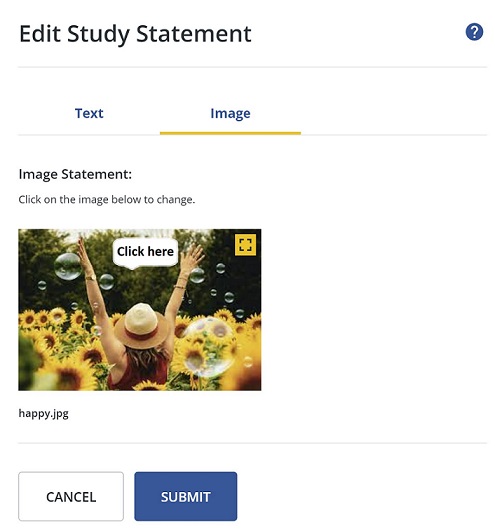
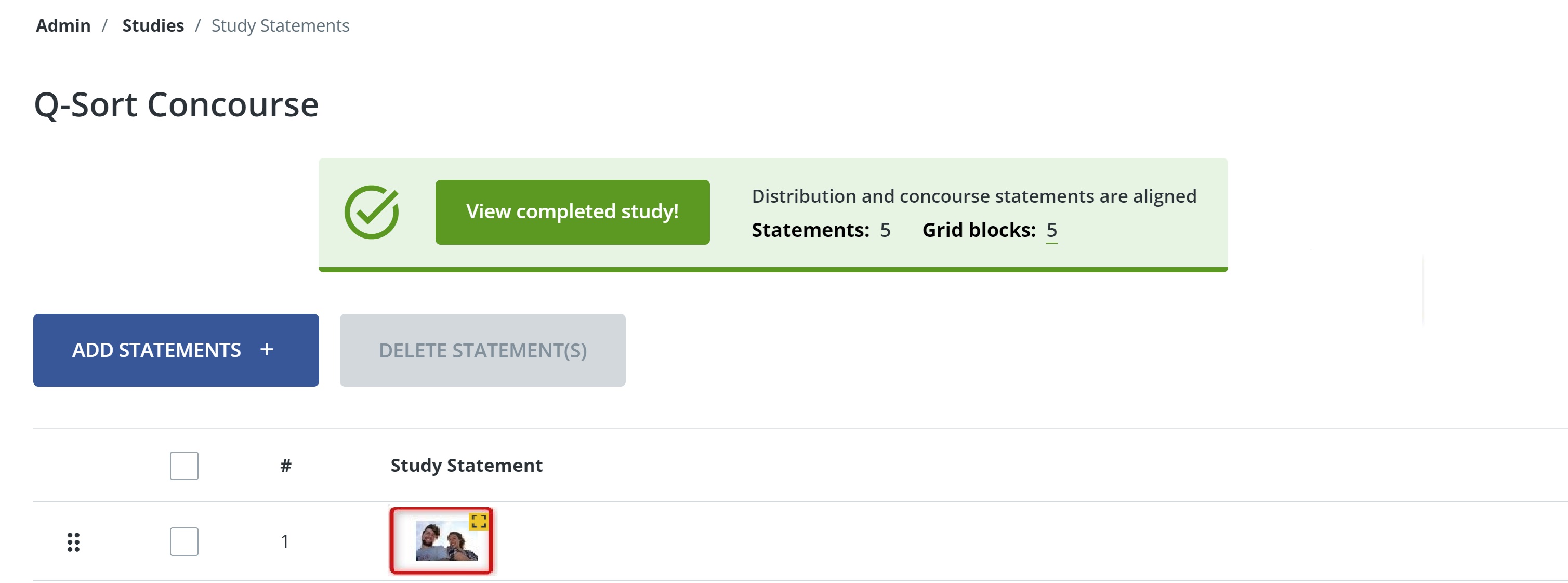
Click the thumbnail of the image you want to change. The Edit Study Statement dialog opens.
Click on the image preview.
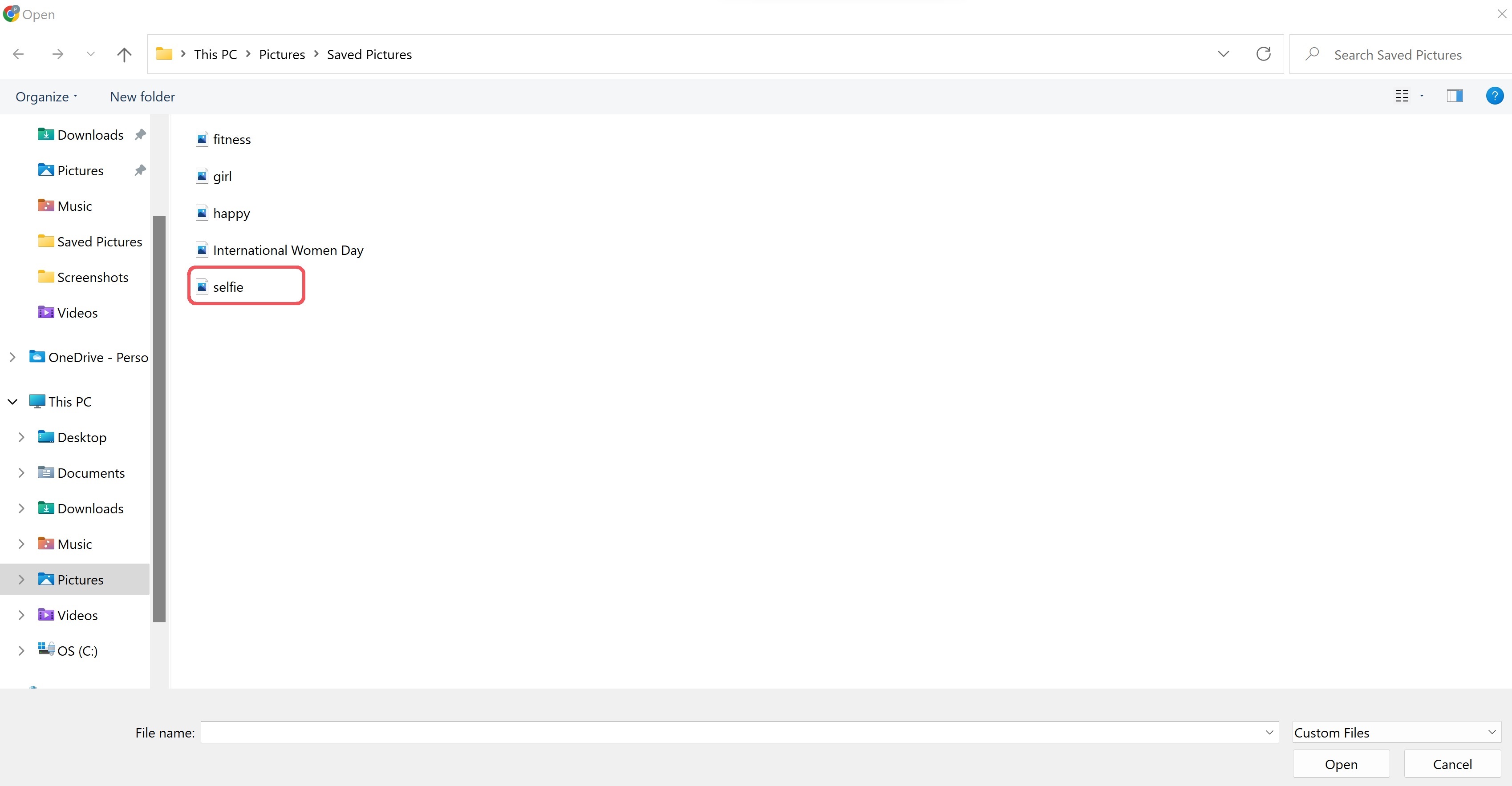
Click on the new image file in your computer.
Click Open.
A preview of the new image appears.
Click Submit.
The new image appears on the Study Statements page.
Important
You can edit Study Statements only if you have not yet started receiving Q-sorts. If participants have begun completing and submitting Q-sorts, the Study Statements will be locked and you will not be able to make changes anymore.
Next Step: Create the study's rank/distribution structure.